Etsy SEO: A Simple Test Log for Makers
Etsy SEO test log: track one listing change, note your stats before and after, and learn what to check next without guessing what caused a sale.
By Small Business Bundle by Cosmo Suite · Editorial policy
Published · 7 min read
Etsy SEO is the work of helping shoppers find listings that fit their searches. If you sell on Etsy, a test log can help you keep a clear record of listing changes and what happened afterward. Save the listing's current details, change one thing, and compare the same shop stats after the change has had time to settle.
Etsy search looks at more than a title. Its April 2026 guidance asks sellers to write clear titles and describes a broader view of listings. A dated log helps you work with that guidance without treating one change as proof that you gained or lost rank.
In Short: Record the listing, the field you changed, the date, the old and new wording, and the Etsy stats you can see. Note other changes such as price, photos, stock, shipping, ads, or the season. Use the result to choose your next check, not to promise a search position.
A simple Etsy SEO log keeps a listing change in context
Use one row for each meaningful edit. Keep the old wording so you can see exactly what changed. Leave the result cells blank until Etsy has had time to collect new data.
| Listing and change | Before the edit | After the edit | Context to note |
|---|---|---|---|
| Listing name or URL | Current title, tags, attributes, description | The one field you changed and its new wording | Date changed; other edits made nearby |
| Search terms | Terms Etsy Stats shows for the listing or shop | Terms shown at the next review | Seasonal demand, stock, price, or promotion changes |
| Shop results | The available visits, favorites, or orders | The same measures for a comparable period | Shipping, photo, review, or customer-service changes |
The table records your own listing changes; it does not measure Etsy search positions. Etsy does not promise that sellers can isolate one edit from every other factor. Keeping the main facts together helps you make a more careful decision.
What Etsy's current guidance says about listing titles
Etsy's April 2026 title guidance is clear: describe the item and put its most useful traits up front. The guide says sellers can keep titles buyer-friendly and move other details into tags, descriptions, and attributes. It also offers an optional title suggestion tool for some shops. Suggestions are a starting point, not a requirement.
That advice is more current than many general Etsy SEO guides. Printify's February 10, 2026 guide gives a broader keyword-led approach. Compare it with Etsy's later guidance before changing a listing. When their advice differs, Etsy's own help pages should guide how you use Etsy's features.
Etsy's guide to how search works describes a process that uses listing information and buyer context. Titles and tags matter, but an edit cannot guarantee a specific place in results. A listing may appear differently across searches, filters, buyers, or time.
Start with language that names the item accurately. For a handmade ceramic mug, that might mean the item, material, and a distinctive color or size. Put useful details where Etsy allows them: title, tags, description, category, and attributes. Avoid squeezing every phrase into the title. A readable title helps a shopper decide whether the listing matches what they want.
Before an edit, download Etsy's listing CSV if available and save a copy of the current title and tags. Etsy recommends preserving the original details before applying title suggestions. That gives you a reference if you want to review or restore the wording.
What to write down before changing a listing
Give the row enough detail to answer three questions later: what did you edit, when did you edit it, and what else changed around the same time?
Start with the listing URL or a name you will recognize. Copy the current title and the tags or attributes you plan to adjust. Add the date, then write a short reason for the edit. For example, you may be clarifying the item name, replacing a phrase shoppers do not use, or fixing a missing material detail. Keep the reason specific so you can compare it with the result.
Next, note the information Etsy shows before the edit. Etsy's Seller Handbook says Shop Stats can show search terms people used to find your shop. Your dashboard may also show visits, favorites, or orders. Write down only measures that are visible to you. Do not invent a search position or impression count if Etsy does not provide it in the view you are using.
Make a note of conditions that could change the result. A listing may have different traffic when it is in stock, featured in an ad, photographed differently, discounted, or connected to a seasonal search. If you change these at the same time as the title, you will not know which edit mattered. Record them anyway so the next review has context.
Change one thing and give it time
Choose one listing and one edit you can explain. If the title is hard to understand, make it clearer. If buyers search for a phrase that accurately describes your item, consider using it in a tag or description. Keep the item itself and its price clear to buyers.
Change one field when you want to learn about that field. A title, tags, photo, shipping price, and discount are separate changes. If you update several at once, note them together and treat the result as a combined change.
Write the changed wording in the log on the day you make the edit. Then let the listing run without another change long enough to make a useful comparison for your shop. Etsy says changes can take time to show their effect; it does not set one waiting period that suits every listing. A listing with little traffic needs more time than one with frequent visits.
Use a consistent comparison window. Compare a stretch before the edit with a similar stretch after it, and note the dates. If a holiday, sale, ad, stockout, or photo change falls inside one window, add that context. Keep the old title and tags in your record. You can then decide whether to keep the edit, revise it, or wait for more information.
Read the result without claiming a ranking win
Check the same information you recorded before the edit. Look for search terms that fit the item, along with visits, favorites, or orders when Etsy shows them. If search terms change but orders do not, ask whether the new terms match buyers who want your product. More visits alone do not show that the edit made the listing more useful or profitable.
If results move in the direction you hoped, record that. Then ask what else changed. A new photo, a restock, seasonal demand, a promotion, or a review can affect what shoppers see and do. A before-and-after log can show a pattern. It cannot prove that the title caused it.
If results are mixed, keep the record and avoid making several new changes at once. Check that the title describes the item, the tags and attributes fit it, and the first photo is clear. Etsy's Search Visibility page may show listing or shop issues to address. Follow the current guidance in your own account, since available suggestions can vary.
Do not compare different kinds of periods as if they were equal. A holiday week and a quiet week may bring different shoppers. A listing with no stock cannot sell, regardless of its search wording. Write down these conditions before you conclude that an edit helped or hurt.
When to make another edit
Leave a listing alone while you are still collecting a useful comparison. If the title is clear and the search terms fit your item, more edits may only make the history harder to read. You do not need to change a listing just because a tool offers a suggestion.
Make another edit when you can name the problem it should solve. That might be a confusing title, a missing detail, or search terms that point to the wrong item. Save the current version first. Then add a new row with the next date and change. This creates a simple history instead of a string of edits you cannot separate.
If you use Etsy's optional title suggestions, read each one before applying it. Keep the words that make the item clear to buyers, and check that tags, attributes, and the description still fit. Etsy says a suggested title does not mean your current title is underperforming. It is one option you can review.
Why Trust This Article
This guide uses Etsy's Seller Handbook and Help pages checked on October 22, 2026. It also notes when older third-party advice differs from Etsy's April 2026 title guidance. It does not claim to test a shop, measure ranking changes, or promise sales from a listing edit. Learn about the publisher on the About page, read its editorial policy, or contact the team.
How Small Business Bundle Handles This
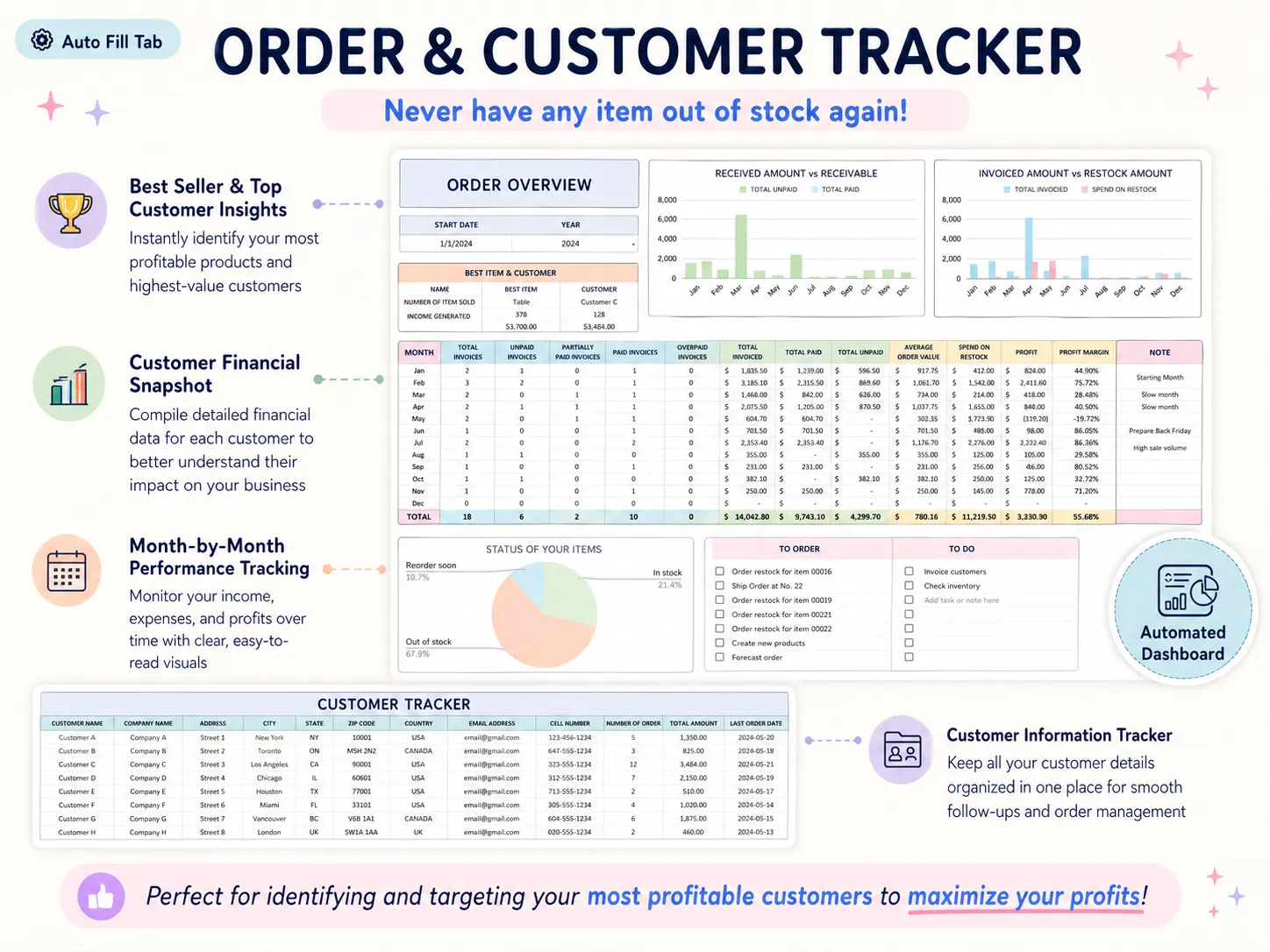
Small Business Bundle includes an Order & Customer Tracker for keeping order and customer records, plus a Pricing Calculator for product costs and prices. Those spreadsheets do not connect to Etsy, collect search stats, or improve listing rank. They can help you keep the paperwork around your sales in one place.
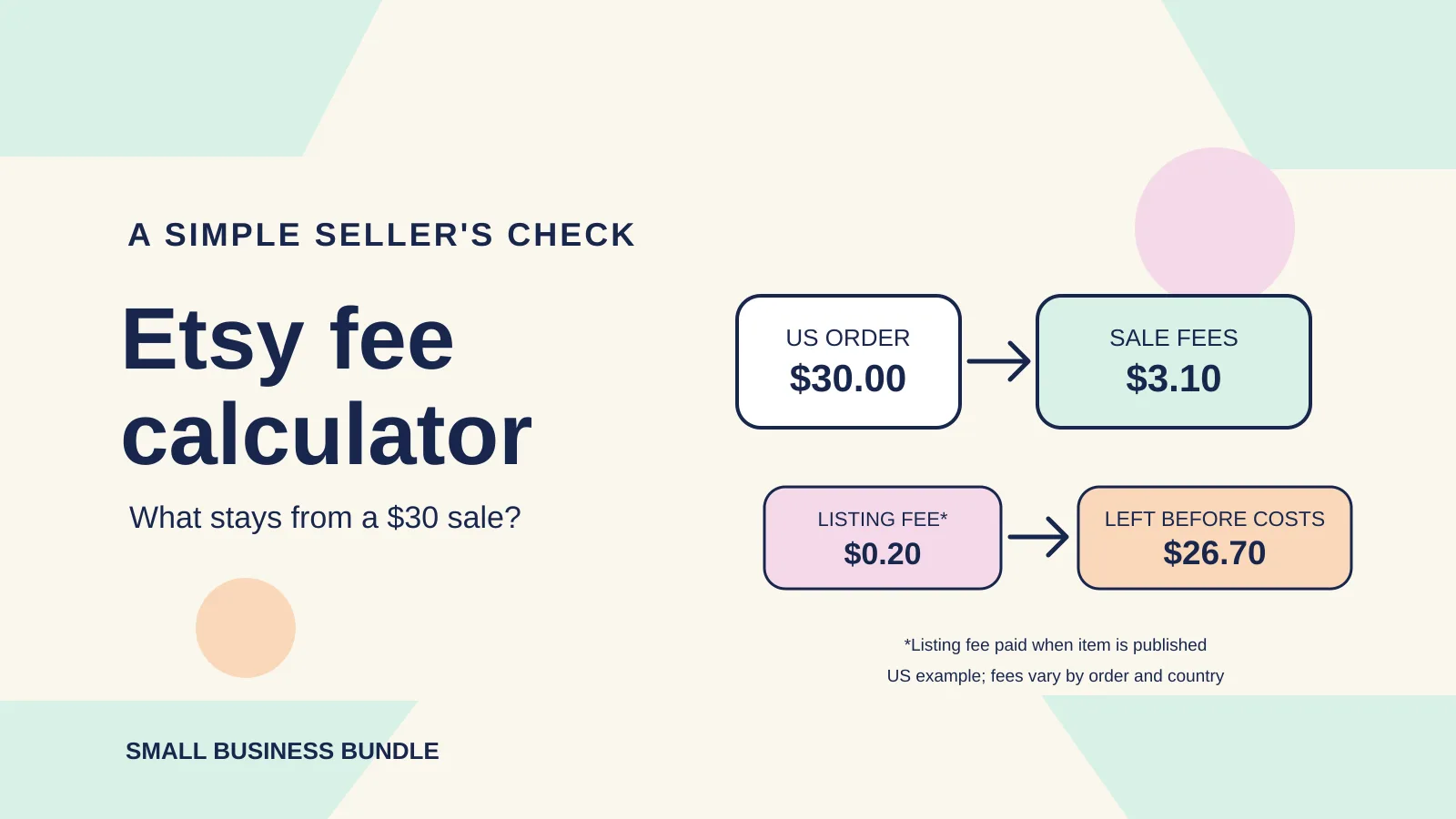
If an Etsy order leads to a sale, you can record the order in the Small Business Bundle workbook and use the record when you review what sold. For Etsy fees and product costs, see the Etsy fee calculator guide and handmade pricing guide. Those explain cost decisions; they do not track listing search performance.
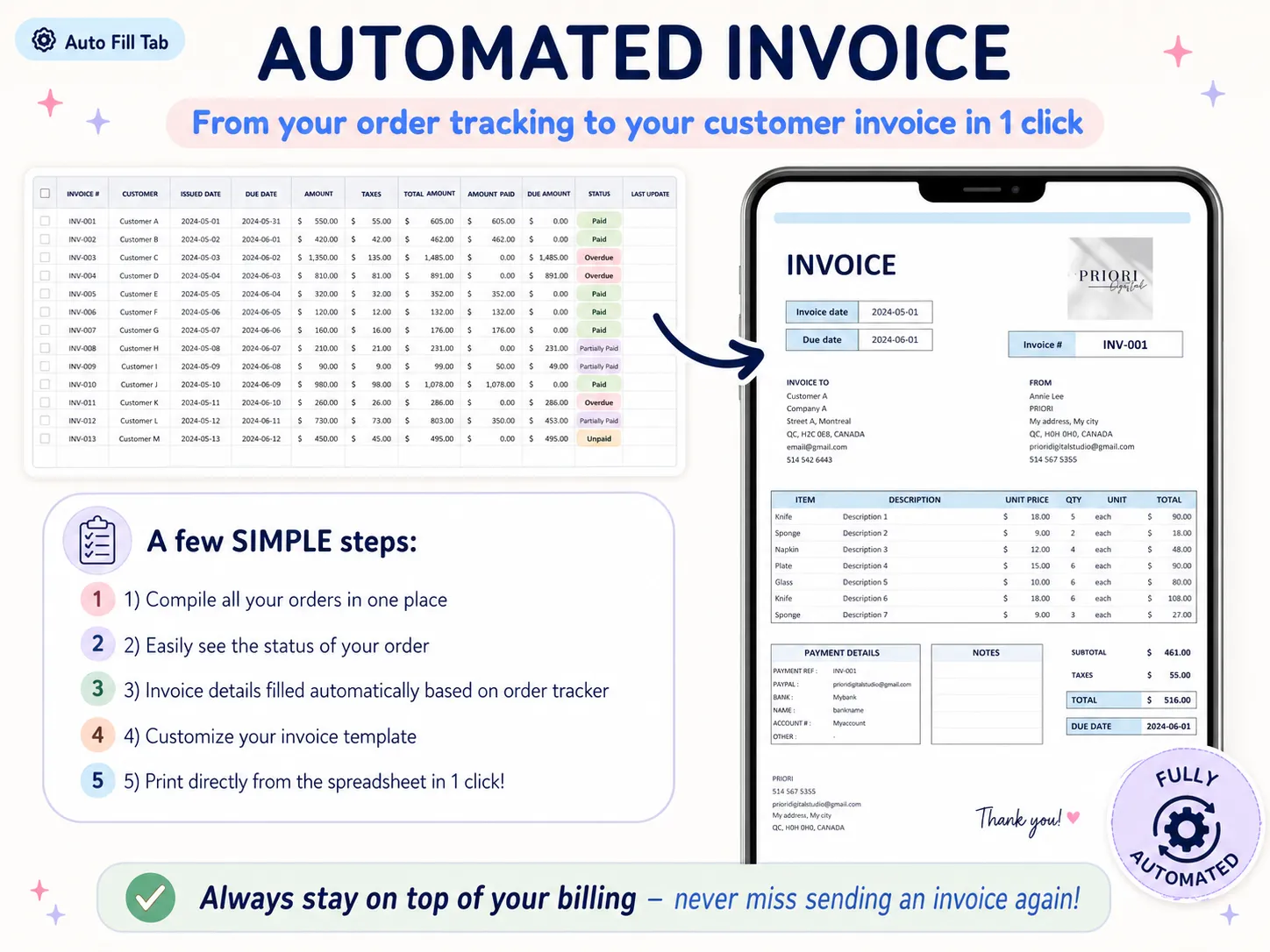
Small Business Bundle keeps those records in spreadsheets for Excel 365 or Google Sheets. If you want one place for orders, invoices, and product pricing, see what the bundle includes. You maintain the workbook by hand; it has no Etsy connection or search-ranking feature.
Frequently asked questions
How do I test Etsy SEO changes?
Save the listing's current title, tags, attributes, and available stats. Change one thing, write down when you changed it, and compare similar periods later. Keep notes about other changes that could affect traffic or sales.
How long does Etsy SEO take to work?
There is no fixed timeline that guarantees a result. Etsy says changes may take time, and search visibility depends on more than one listing edit. Record the date and compare again after a consistent period that fits your shop's traffic.
Does changing an Etsy title hurt SEO?
A title edit can change how clearly your item matches a search and how easy it is for a buyer to understand. Etsy's current advice favors clear, buyer-friendly titles. Save your original details before editing so you can review what changed.
Is there an Etsy SEO tool?
Etsy provides Shop Stats and a Search Visibility page, and some shops may see optional title suggestions. Check Etsy's current help pages for which tools are available to your account.
Should I change my Etsy tags and title at the same time?
If you want to learn which edit made a difference, change one part at a time. If you update several fields together, record all of them and treat the result as a combined change.
Can a spreadsheet improve Etsy search ranking?
A spreadsheet cannot change Etsy's ranking system. It can help you keep a clear record of listing edits and the stats Etsy shows, so you make your next decision with context.