Invoice Template for Google Sheets: Numbering, Due Dates and Paid Status Built In
invoice template google sheets: choose a clean layout, set invoice numbers and due dates, and track what is paid. Use this checklist before you send.
By Small Business Bundle by Cosmo Suite · Editorial policy
Published · 6 min read
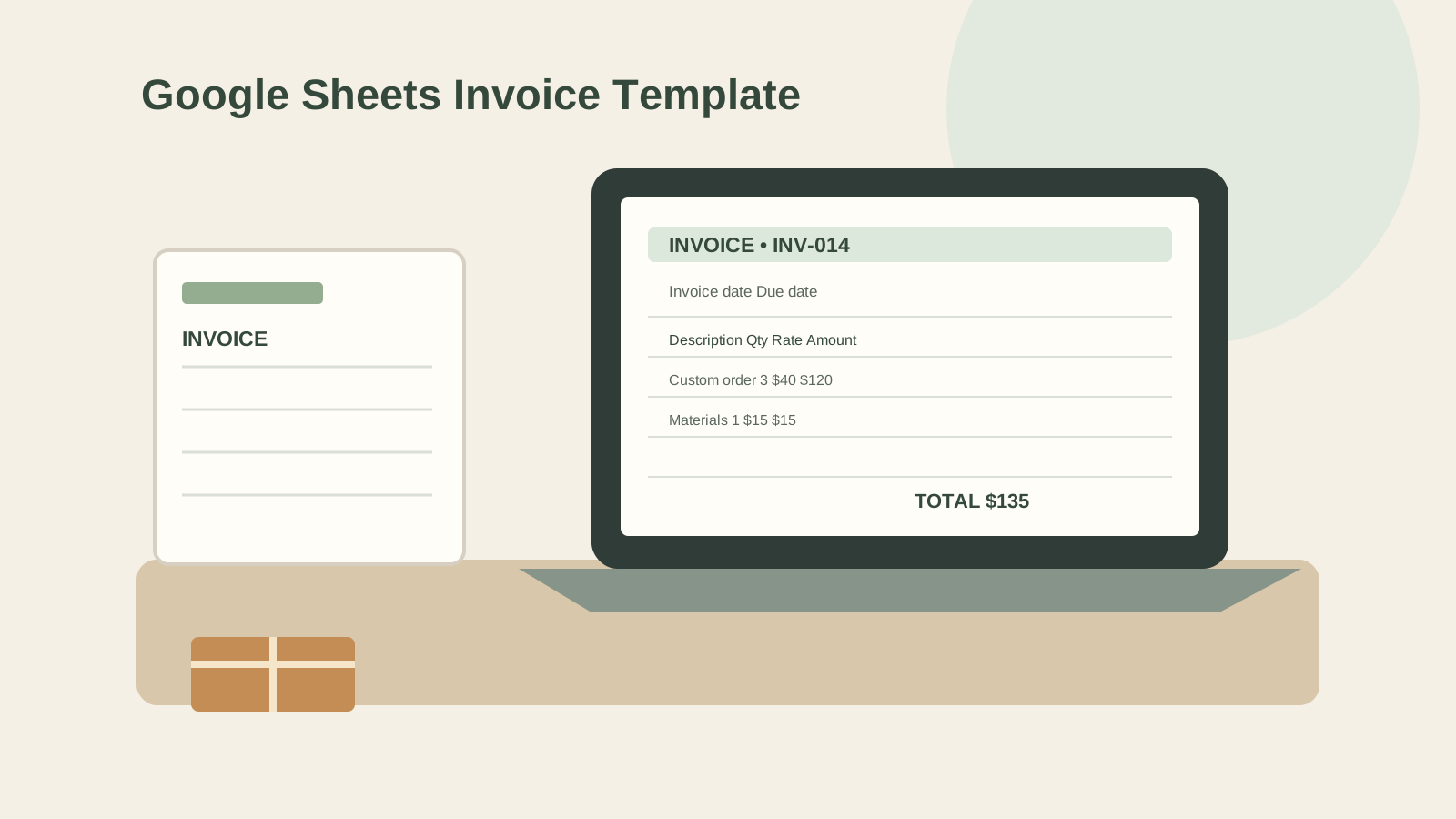
An invoice template is a reusable form for listing a sale and its amount due. An invoice template for Google Sheets can help you write one without starting from a blank grid. The useful template has a clear invoice number, customer details, dates, line items, totals and payment instructions.
Google Sheets includes a Template gallery, and Google provides a public invoice spreadsheet you can copy. Before you use either one, check that the formulas calculate correctly and that you can track each invoice after sending it. A neat page is only part of the job.
In Short: make a copy, test the totals, assign a unique number, set a due date, and keep a separate status log. If you need automatic payments or reminders, choose invoicing software instead.
What to Check in a Google Sheets Invoice Template
An invoice template should make it easy for you and your customer to identify the sale, confirm the amount due and see how to pay. Start with this checklist before entering real customer details.
| Field | What to check | Why it helps |
|---|---|---|
| Invoice number | Each invoice has a unique reference | You can find it later and avoid confusing two invoices |
| Issue and due dates | Both dates are easy to see | Your customer knows when the invoice was sent and when payment is due |
| Seller and customer details | Names and contact details are correct | Both sides can identify who sent and received it |
| Line items | Description, quantity, rate and line total are clear | The customer can check what the charge covers |
| Subtotal and total | Formula ranges include every line | The amount due matches the items listed |
| Payment instructions | The accepted method and any needed details are present | The customer knows how to pay |
| Status log | Sent, due, paid or overdue is recorded | You can follow up without relying on memory |
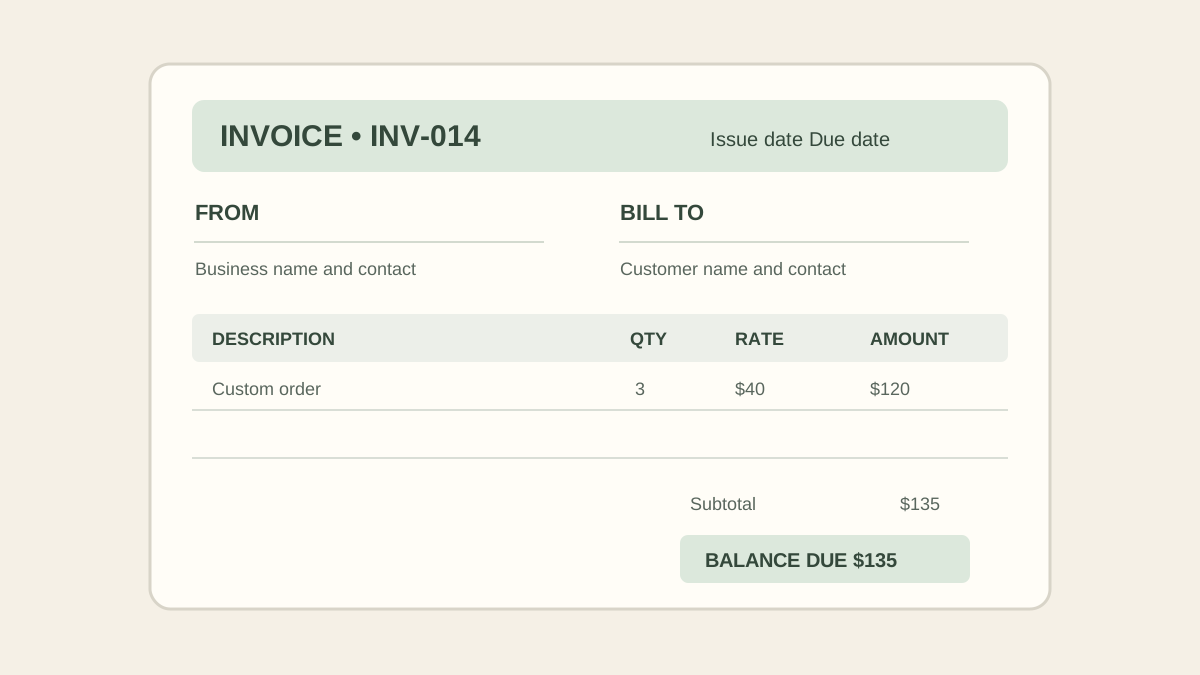
Google’s public invoice template in Sheets includes spaces for the seller, customer, invoice date and number, payment terms, line items, subtotal, discount, tax, shipping and balance due. It also tells you to make a copy before editing. Review the formulas and delete any template instructions before sending your own version. Google's Workspace guide to templates also lists invoices among the documents you can format with Sheets templates.
Make a Copy and Test the Calculations
Use a copy of a template for your own work. Google's template instructions explain that a file made from a template opens as a copy. The public invoice sheet also directs users to make a copy before entering details.
Before you send a real invoice, enter sample values and test the arithmetic. For example, if a service has 3 hours at $40 per hour and one $15 material charge, the subtotal should be $135: 3 × $40 + $15. If you add a discount, tax, shipping or another charge, verify each line and the final amount separately.
Check the formulas by changing a quantity and rate. Confirm that the line total changes. Add another row and see whether the subtotal includes it. Clear a discount or tax cell and make sure the amount due still behaves as expected. Templates can contain formulas that cover only the sample rows.
Keep this test in a duplicate file or remove the sample values before sending anything. Do not place real customer details into a public template that other people can access. Check the sharing setting on your own copy before you send a link. For this guide, we mapped the visible fields in Google's example to the steps of preparing, checking and tracking an invoice. We also recalculated the simple example above by hand. We did not test the template's formulas in a live Google account.
Choose a Numbering Pattern You Can Keep Using
An invoice number is a reference that helps you tell one invoice from another. A simple sequence such as INV-001, INV-002, and INV-003 is easy to read. You might include a year, such as 2026-001, if that makes your records easier to sort.
Pick one pattern and use it consistently. Before assigning the next number, check the invoice log so you do not reuse a number after deleting a draft. Do not rely on a row number alone: sorting or removing rows can change it.
If your template has an automatic number field, test it in a copy first. Confirm how it behaves when you duplicate the sheet, add a new invoice or delete a draft. A formula that works for one invoice may not maintain a reliable sequence across separate tabs or files.
Keep the Invoice and Payment Log in Sync
The invoice itself shows a customer what to pay. An invoice status log is a separate record of what happened after you sent it. Use one row per invoice and include the invoice number, customer, issue date, due date, total, amount received, balance and current status. Keep three values together when you reconcile a payment: invoice number, amount due and amount received. That key helps you find a mismatch before you mark an invoice paid.
| Invoice | Sent | Due | Total | Received | Balance | Status |
|---|---|---|---|---|---|---|
| INV-014 | Oct 24 | Nov 7 | $135 | $0 | $135 | Sent |
| INV-015 | Oct 24 | Nov 7 | $200 | $100 | $100 | Partly paid |
| INV-016 | Oct 24 | Oct 24 | $80 | $80 | $0 | Paid |
These are example figures. For each invoice, check that the log total matches the invoice, and update the received amount when payment arrives. If a customer pays in parts, record each payment or update the total received and balance. Keep the original invoice number in every note or message about that invoice.
This record is a simple follow-up aid. It does not confirm that a payment cleared, send a reminder or process a card payment. Check your bank or payment service and update the log yourself. The IRS lists invoices among the documents that support business transactions. Keep copies in an orderly, safe place. This article does not set your record-retention period or tax obligations.
Know When a Spreadsheet Stops Fitting
A spreadsheet works when you have a manageable number of invoices and can keep the records current. It gives you control over the fields and layout. You can make a copy for each invoice or maintain a master log with a separate invoice page for each customer.
You still assign numbers, check formulas, send each invoice, watch due dates and update payment status. A spreadsheet will not deliver the invoice or confirm payment unless you add another tool.
Choose invoicing software when you need a client portal, automatic reminders, recurring invoices, payment processing or several people working from the same record. A spreadsheet can still hold your own copy of the numbers, but avoid entering the same payment in two places unless you have a clear update routine.
How Small Business Bundle Handles This
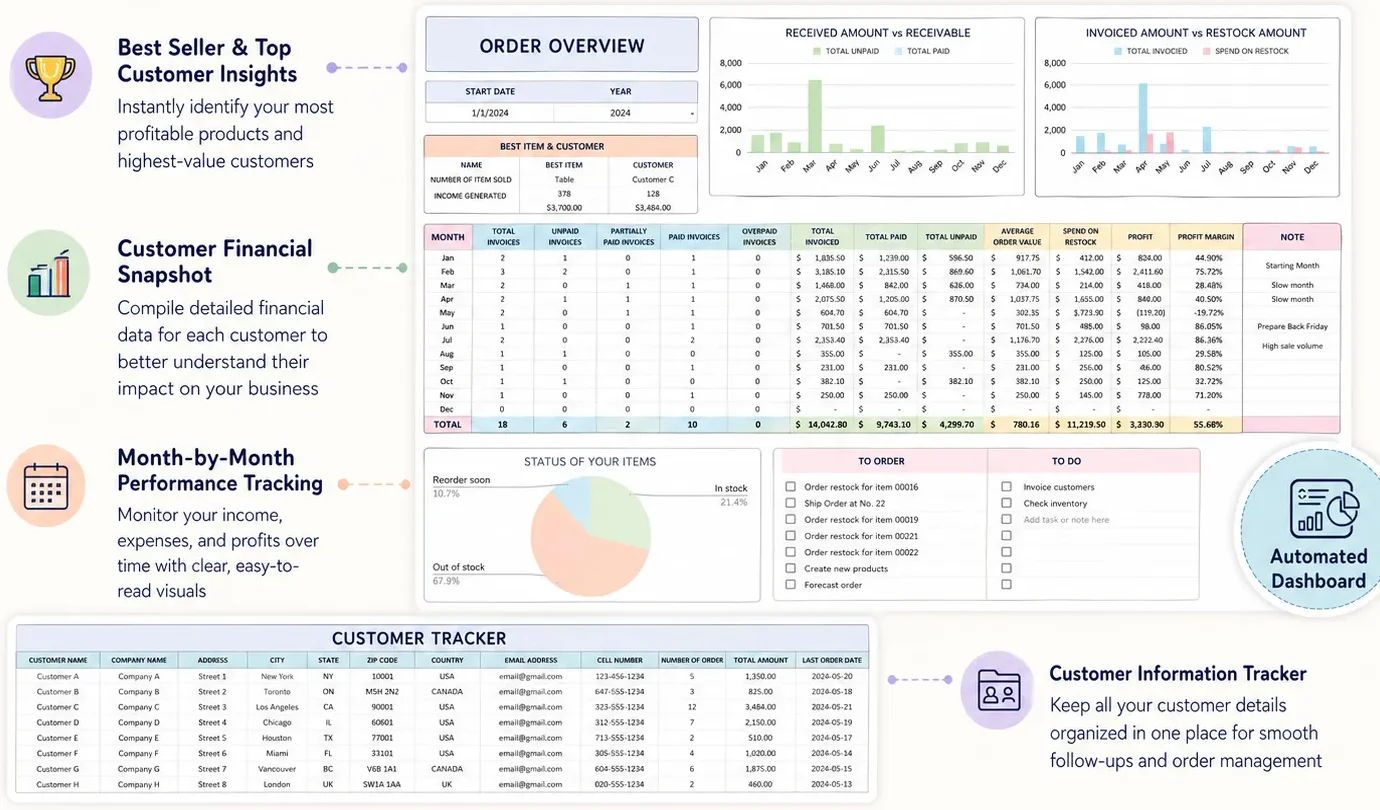
Small Business Bundle includes an Automated Invoice generator in its spreadsheets, alongside an Order & Customer Tracker. Those files are designed for Excel 365 and Google Sheets. They help you prepare and organize invoice and order records in a workbook.
The workbook is not a payment processor or online store. You still handle sending invoices and confirming payments. If that is the workflow you need, see what Small Business Bundle includes. You can also read the small business spreadsheet example to see how invoice and order records fit into a wider file.
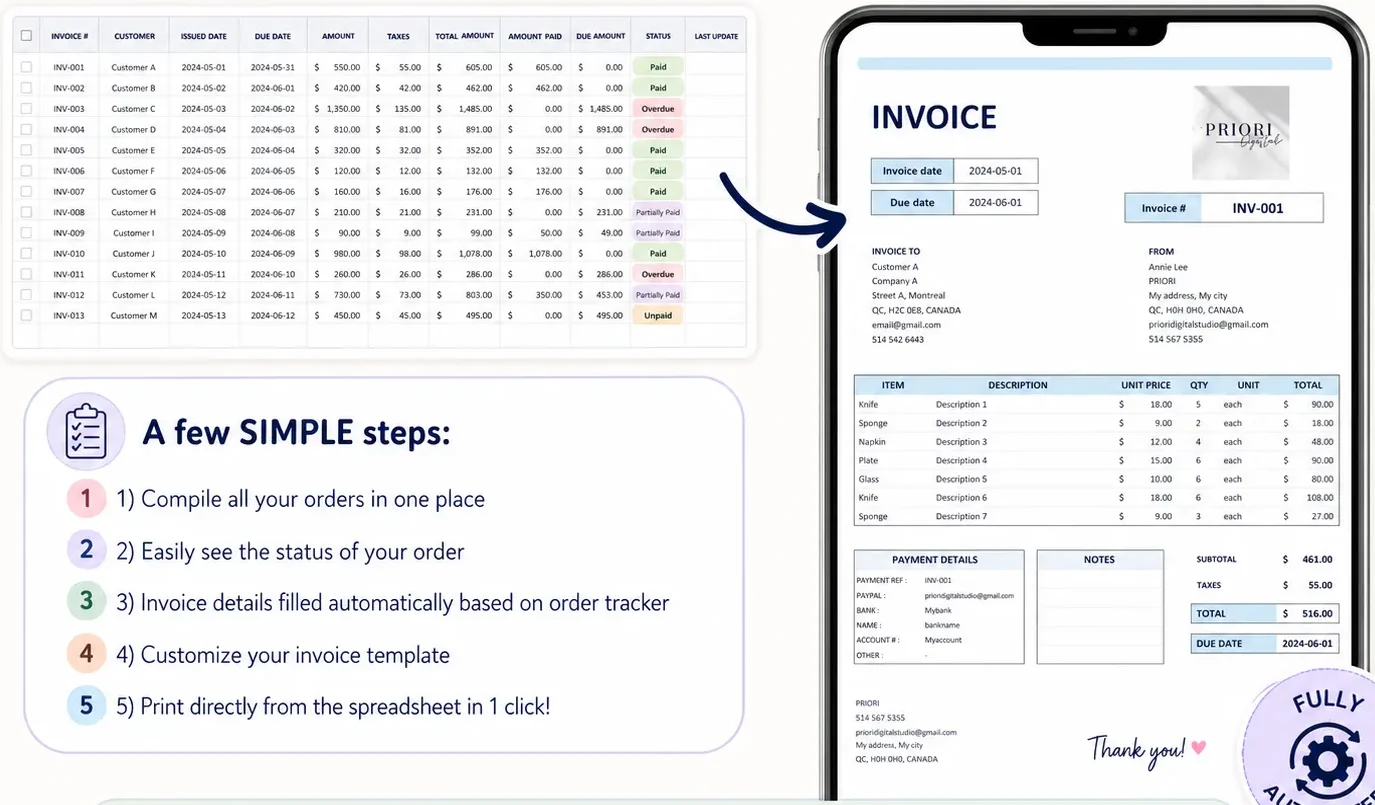
If you want a single spreadsheet workflow for orders and invoices, review Small Business Bundle. If you need automatic billing or client access, compare dedicated invoicing tools before choosing a template.
Why Trust This Article
This guide uses Google Workspace help and a public Google Sheets invoice template, checked on October 24, 2026. The arithmetic example is illustrative. We did not test every template formula or provide tax advice. Check a copy with your own sample figures before sending invoices. Read our editorial policy to see how we handle product information and sources.
Frequently asked questions
Does Google Sheets have a free invoice template?
Yes. Google Sheets has a Template gallery, and Google also hosts a public invoice spreadsheet template. Open a copy before entering customer details. Check the formulas and fields before you rely on it.
What should a Google Sheets invoice include?
Include your business contact details, a unique invoice number, issue date, due date, customer details, item descriptions, quantities, prices, totals, payment instructions and a clear status record. Check local rules for any extra fields that apply to you.
Can Google Sheets send an invoice to a customer?
A spreadsheet template helps you prepare the invoice and calculate its totals. You still need to export or share it and send it yourself, unless you add a separate service or script.
How do I track paid invoices in Google Sheets?
Keep a separate invoice log with the invoice number, customer, issue date, due date, amount and status. Update the status when you confirm payment, and record partial payments separately so the remaining balance stays clear.
Can I use a Google Sheets invoice template for tax?
A template can help you keep invoice records. It does not decide what tax you should charge or replace tax advice. Check the rules for your location and ask a qualified tax professional when you are unsure.
When should I switch from a spreadsheet to invoicing software?
Consider software when you need automatic reminders, online payments, recurring invoices, client portals or several people managing the same records. A spreadsheet can fit a simple workflow when you are comfortable sending and updating invoices by hand.
